Watching Course Videos
Course lessons are short videos you watch at your own pace. The player remembers where you stopped so you never lose your place.
Overview
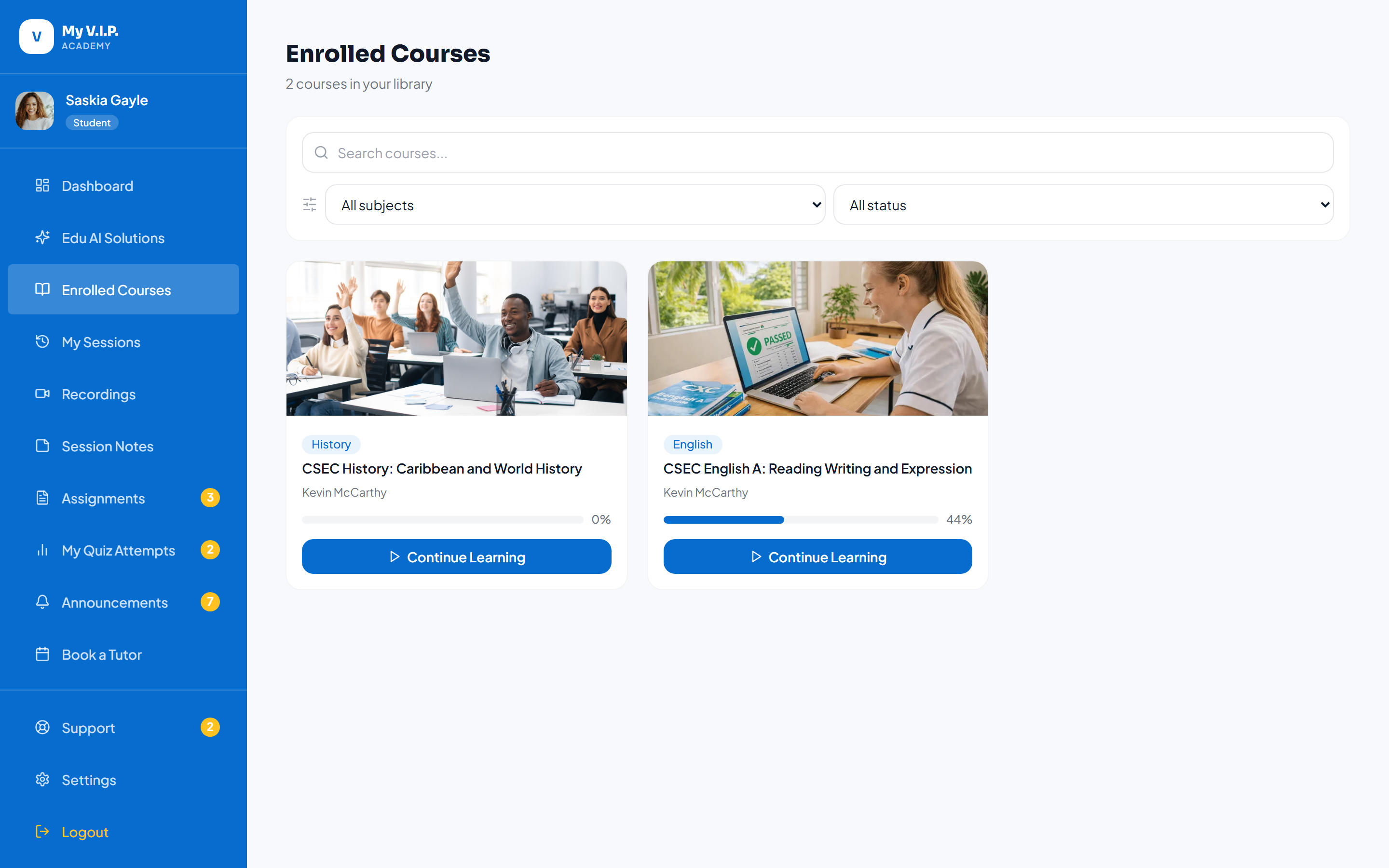 Use the course video player and track your progress.
Step-by-step Guide
Step 1: Open a lesson
From a course, click any lesson in the curriculum to start the video.
Step 2: Watch and progress
As you finish each lesson it is marked complete, and your course progress goes up.
Step 3: Take the quizzes
Some lessons include a quiz. Passing it helps you earn your certificate.