Running Live Sessions
The live classroom gives you video, a shared whiteboard, live quizzes, and recording — all in the browser.
Overview
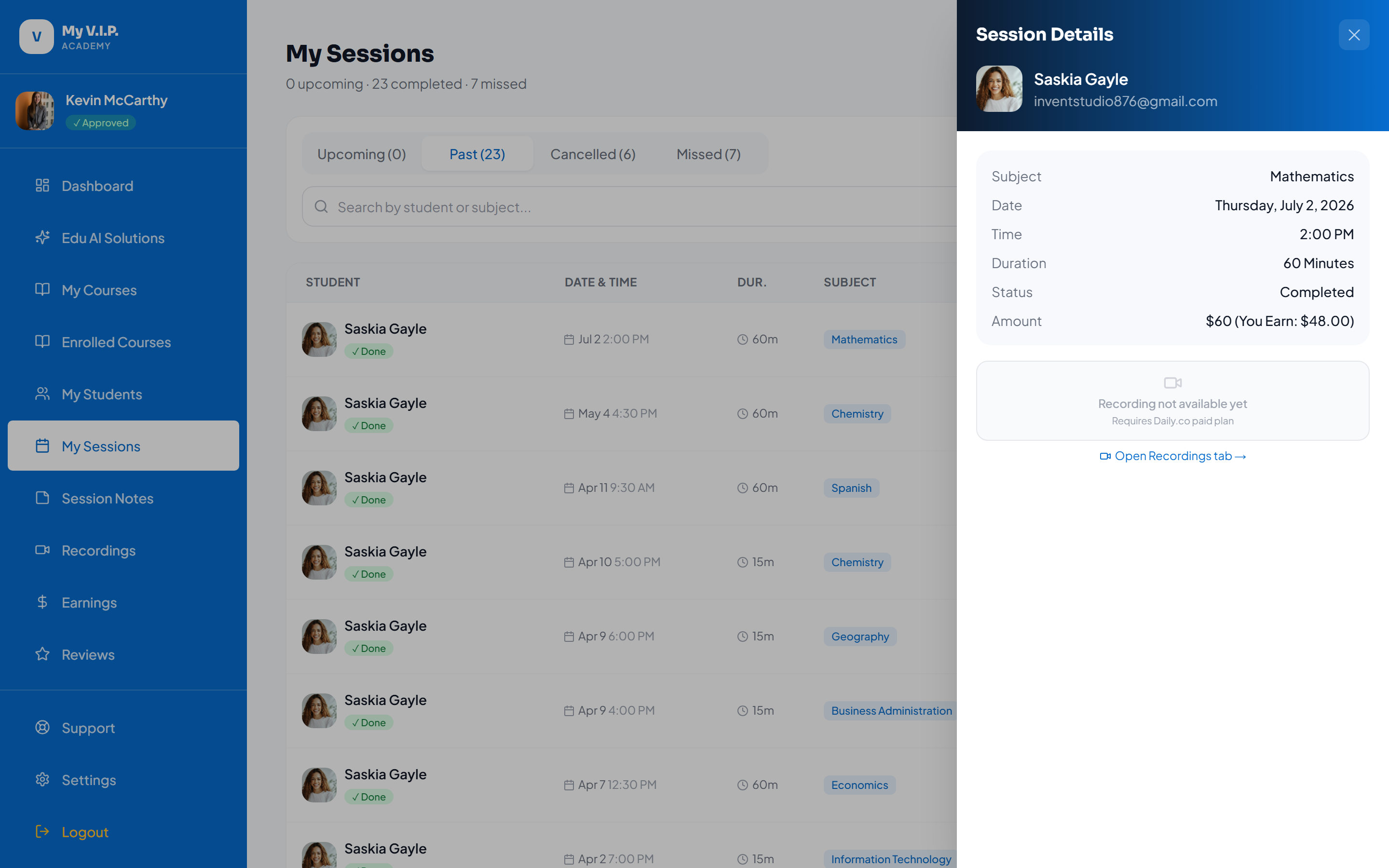 Teach in the live video classroom.
Step-by-step Guide
Step 1: Join at the start time
Open the session from your list and click Join.
Step 2: Use the tools
Share the whiteboard, publish a live quiz, and teach.
Step 3: End the session
When you are done, end the session. If it was recorded, the recording is prepared automatically.
The classroom runs entirely in the browser — there is nothing to install for you or your student.