Becoming an Instructor
Before you can teach, you submit a short application and our team reviews it. This keeps quality high for students. This page explains the process.
Overview
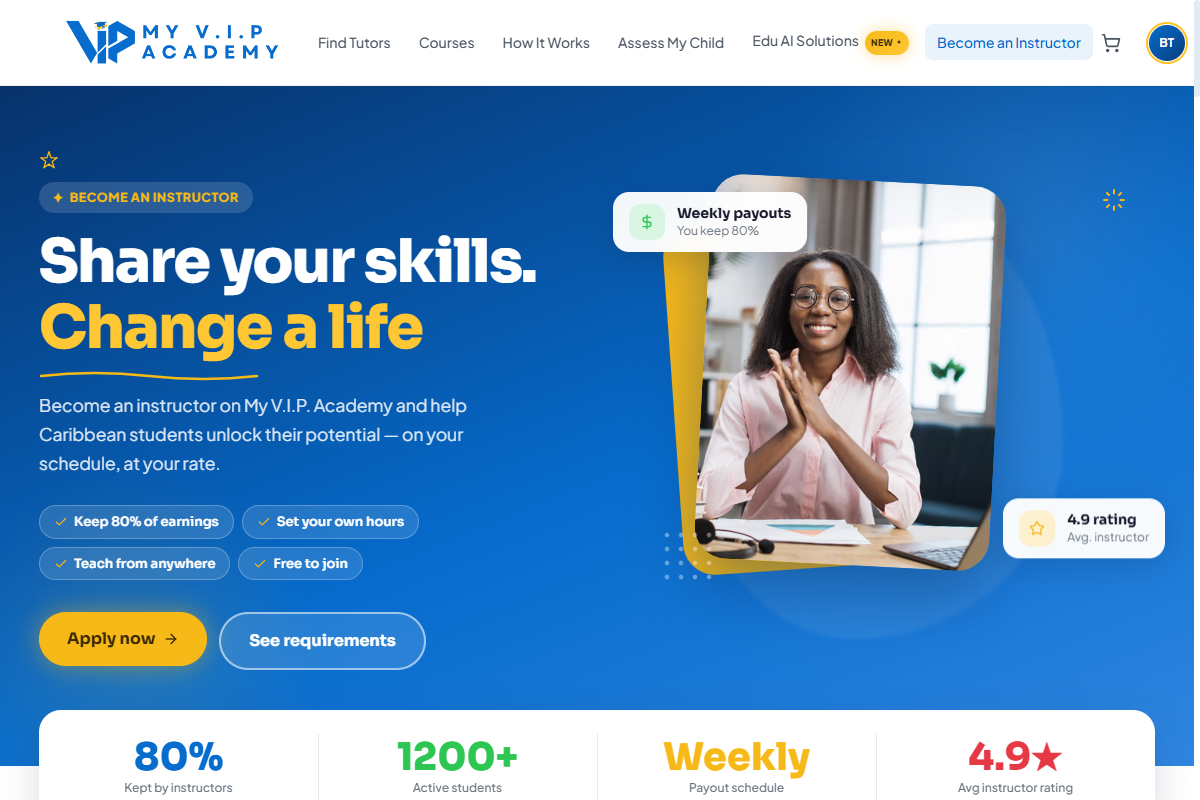 Apply to teach and get your profile approved.
Step-by-step Guide
Step 1: Start your application
From the home page choose Become an Instructor, or apply from your student account settings.
Step 2: Share your background
Enter your subjects, experience, and upload any documents or a short demo video that show your qualifications.
Step 3: Submit and wait for review
Our team reviews your application. You will get an email when a decision is made.
You cannot set yourself as approved — approval is done by our team after review. This protects students and keeps the marketplace trustworthy.