Scheduling
Students can only book times you mark as available. Keep your availability up to date to earn more bookings.
Overview
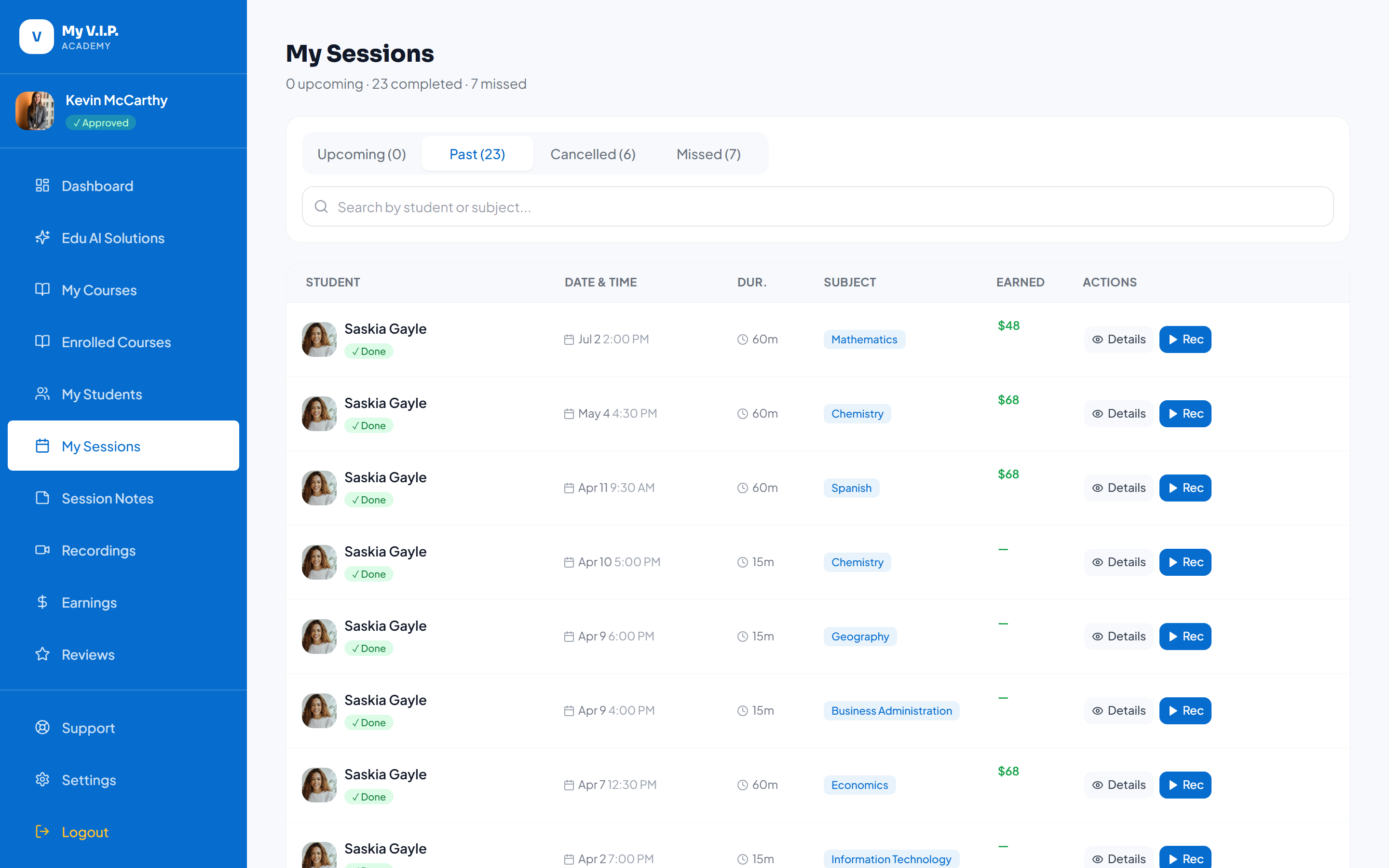 Set the times you are available to teach.
Step-by-step Guide
Step 1: Open your availability
From the sessions area, open your availability calendar.
Step 2: Add available times
Mark the days and times you can teach. Block out times you are busy.