Publishing Your Course
When your course is ready, publish it so students can find and enrol.
Overview
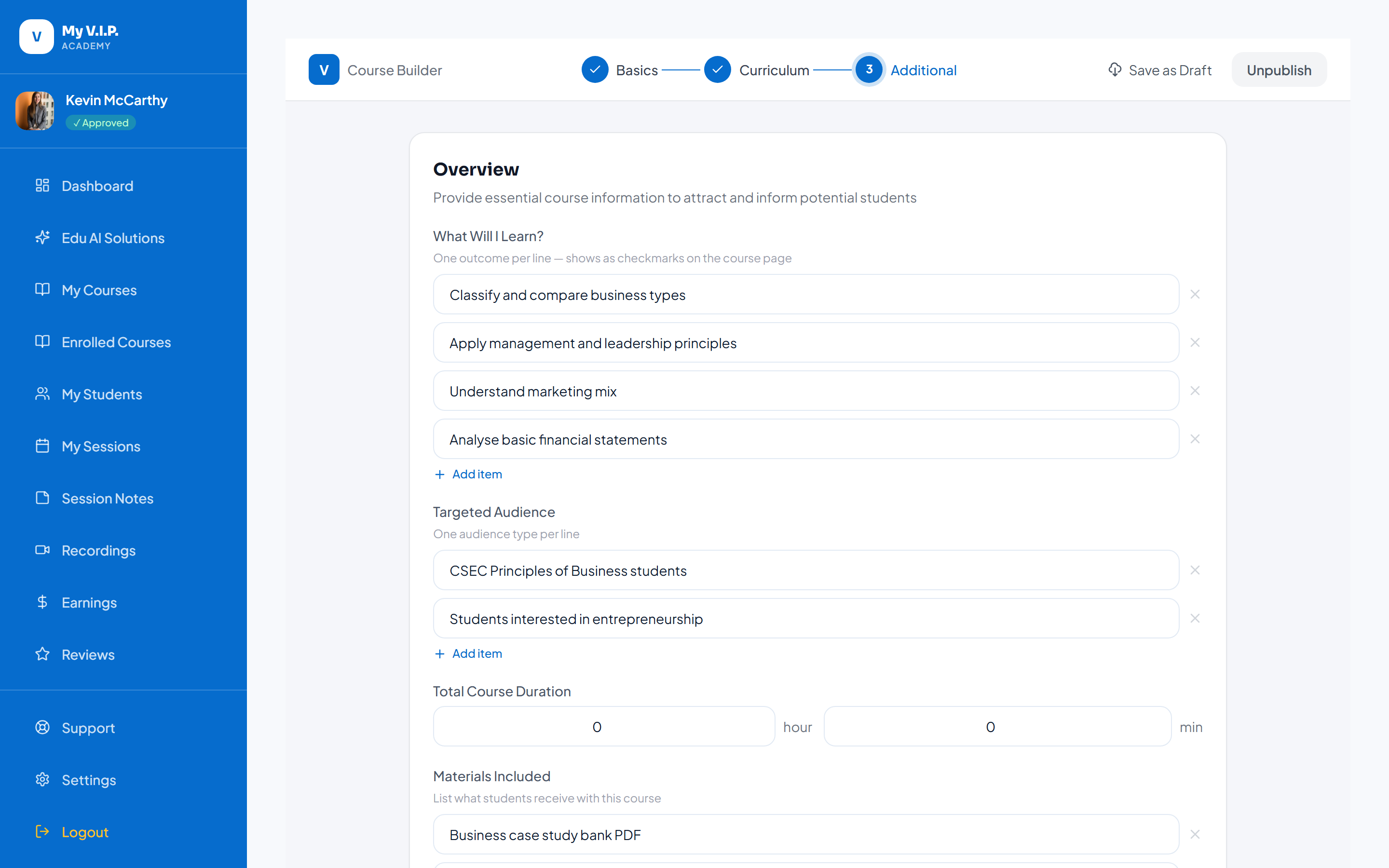 Make your course available to students.
Step-by-step Guide
Step 1: Review
Check your modules, videos, and quizzes are complete.
Step 2: Publish
Click Publish. Your course appears in the catalogue.
Make sure every video has finished processing before you publish, so students can watch right away.