Joining a Live Session
When your session time arrives, you join a live video classroom right inside the Academy. This page shows how to join and what to expect.
Overview
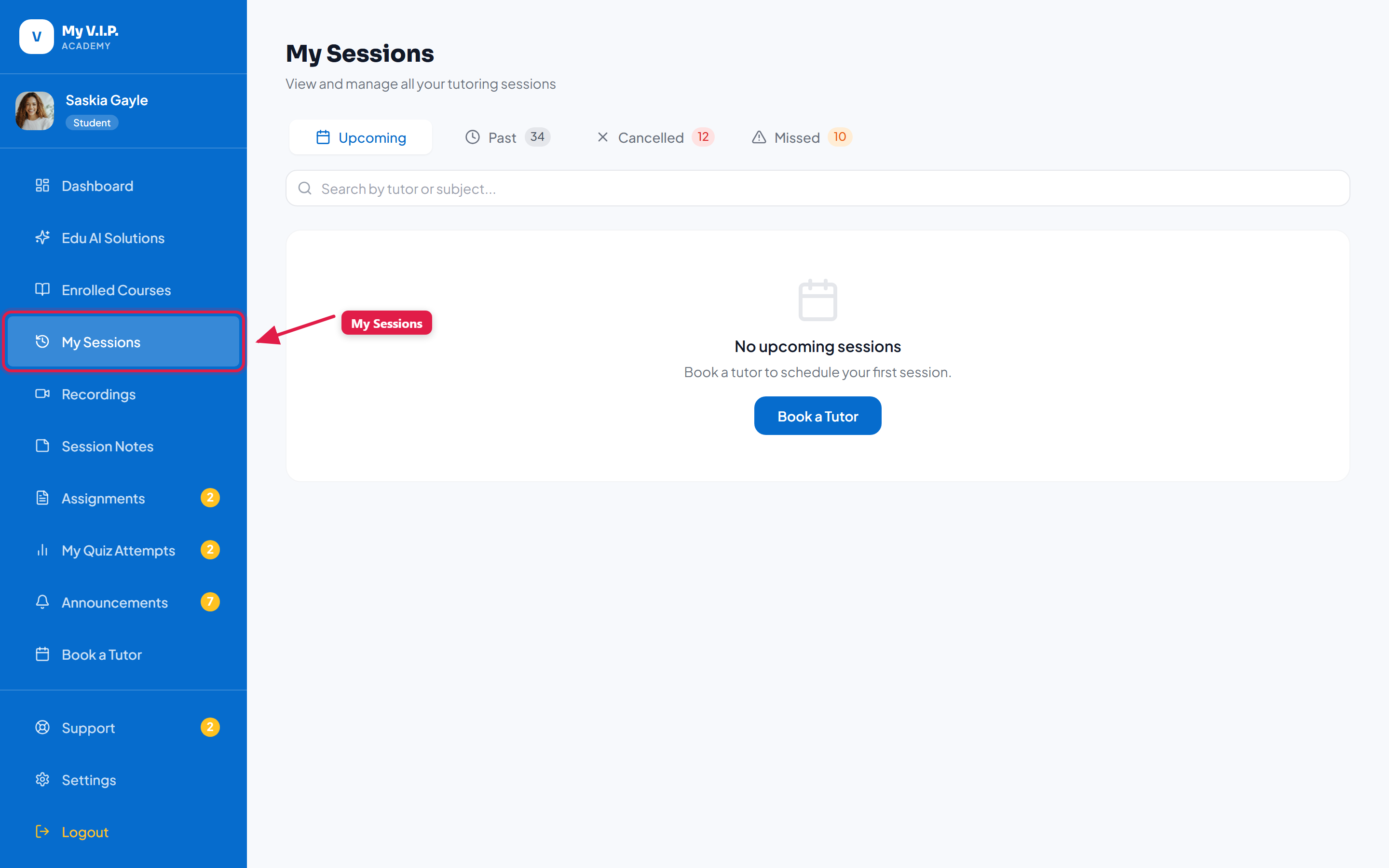 How to enter the live video classroom for your session.
Step-by-step Guide
Step 1: Open My Sessions
A few minutes before your session, go to My Sessions. Your upcoming session shows a Join button.
Step 2: Join the classroom
Click Join. Allow your browser to use your camera and microphone when asked.
Step 3: Learn together
You and your tutor share video, a whiteboard, and live quizzes — all in your browser, nothing to install.
If your session is recorded, you will find it later under Recordings.