Dashboard Overview
Your dashboard is the first thing you see after logging in. It shows your progress at a glance and links to everything you are working on.
Overview
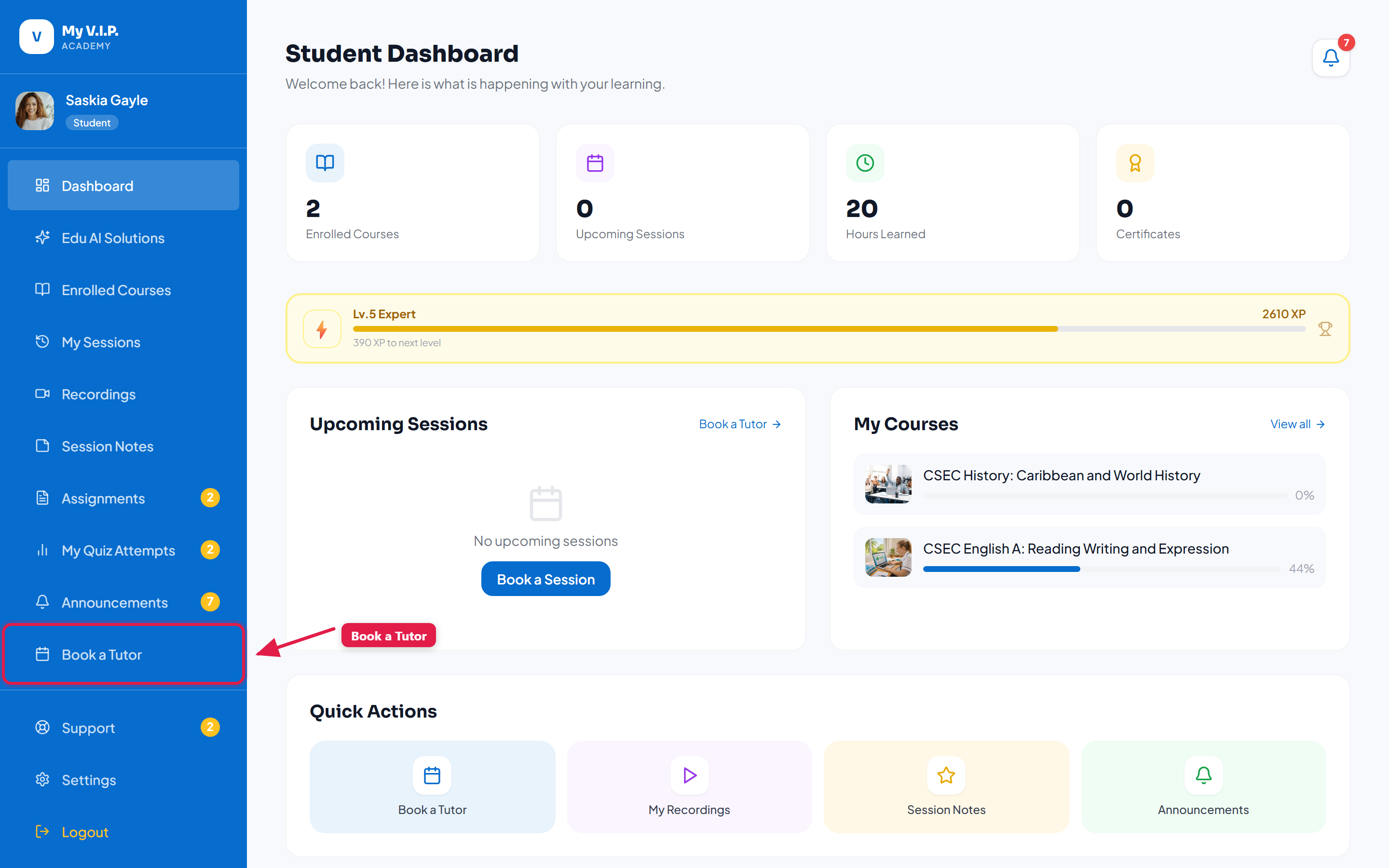 A tour of your student dashboard and its stat cards.
What you will see
- Stat cards at the top summarise your enrolled courses, upcoming sessions, and XP.
- XP and level bar shows how close you are to your next level.
- Upcoming sessions lists your next live lessons with a Join button.
- Continue learning takes you back to the last course video you watched.
The numbers on your stat cards update automatically as you complete lessons and sessions.