Creating an Account
Signing up takes about two minutes. You will choose whether you are a student or an instructor, enter a few details, and confirm your email with a short code. This guide walks through each step.
Overview
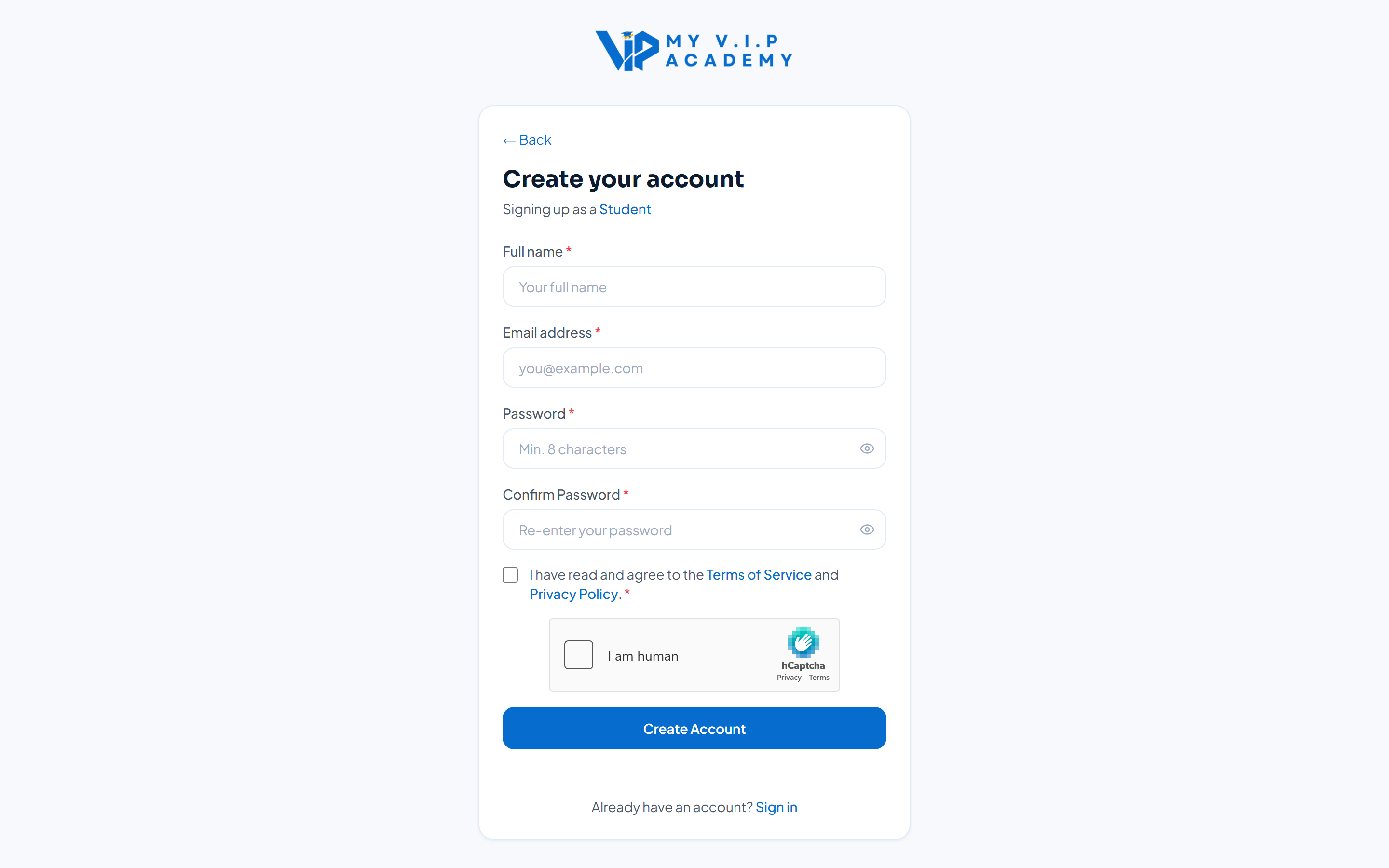 The sign-up screen, where you begin creating your account.
Step-by-step Guide
Step 1: Open the sign-up page
Go to the Academy home page and click Sign Up in the top-right corner. You will then see the role selection screen.
Step 2: Choose your role
Pick Student if you want to learn, or Instructor if you want to teach. You can change your mind later — students can apply to become instructors at any time.
Not sure which to pick? Choose Student. You can always apply to teach later without making a new account.
Step 3: Enter your details
Type your full name, email address, and a strong password. Confirm the password, then agree to the Terms of Service to continue.
Use a password you do not use anywhere else, and store it somewhere safe. The Academy will never ask for your password by email.
Step 4: Complete the captcha
Complete the short “I am human” check. This keeps automated spam accounts off the platform.
Step 5: Verify your email
We send an 8-digit code to your email. Enter it on the verification screen. You will then be taken straight to your dashboard.
Tips & Notes
If the code does not arrive within a minute, check your spam folder, then use the “Resend code” link on the verification screen.