Booking a Session
Booking takes a few clicks: choose a time that works, review the price, and pay securely. This page walks through the whole flow.
Overview
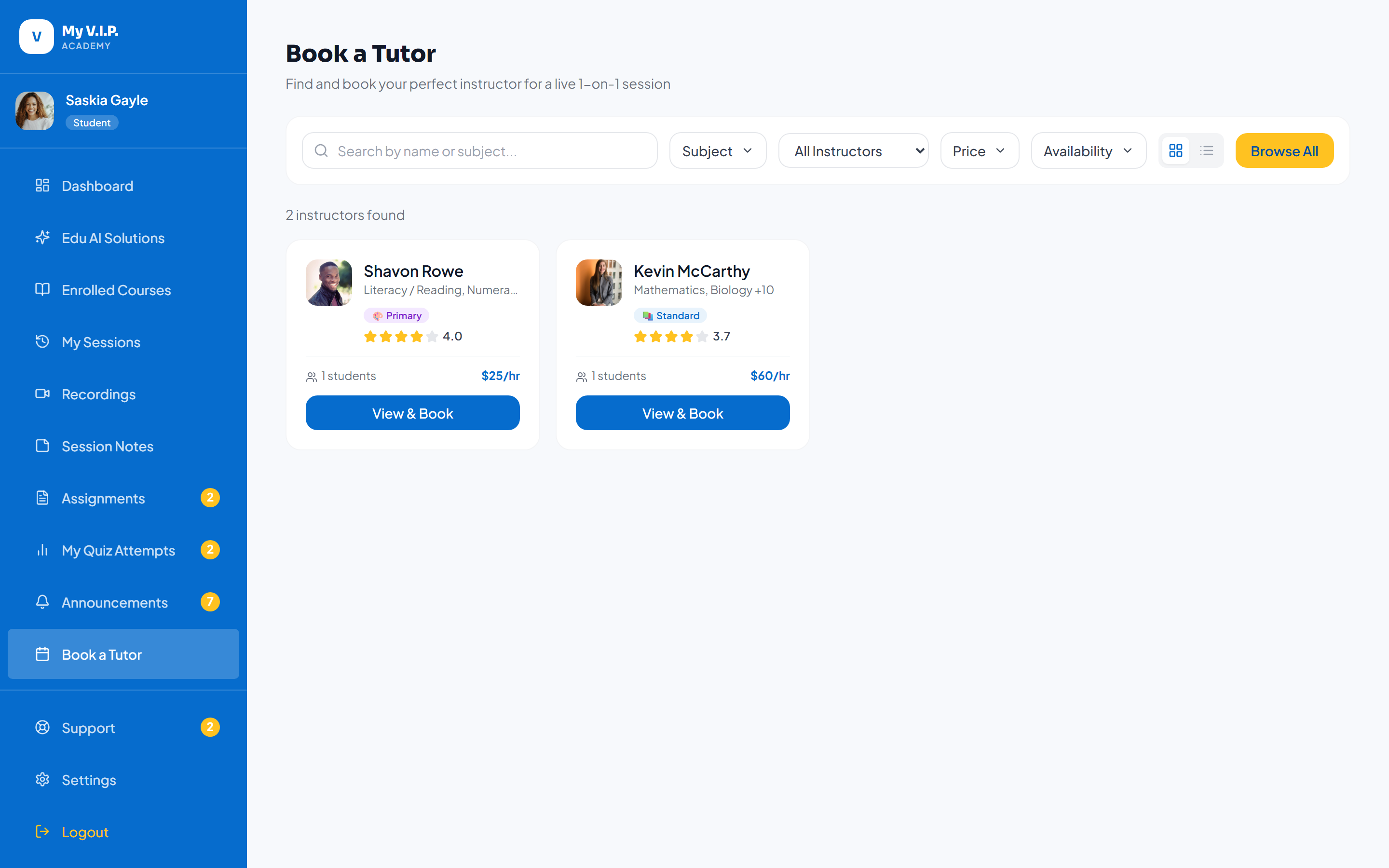 Pick a time, pay securely, and confirm your live session.
Watch it in action
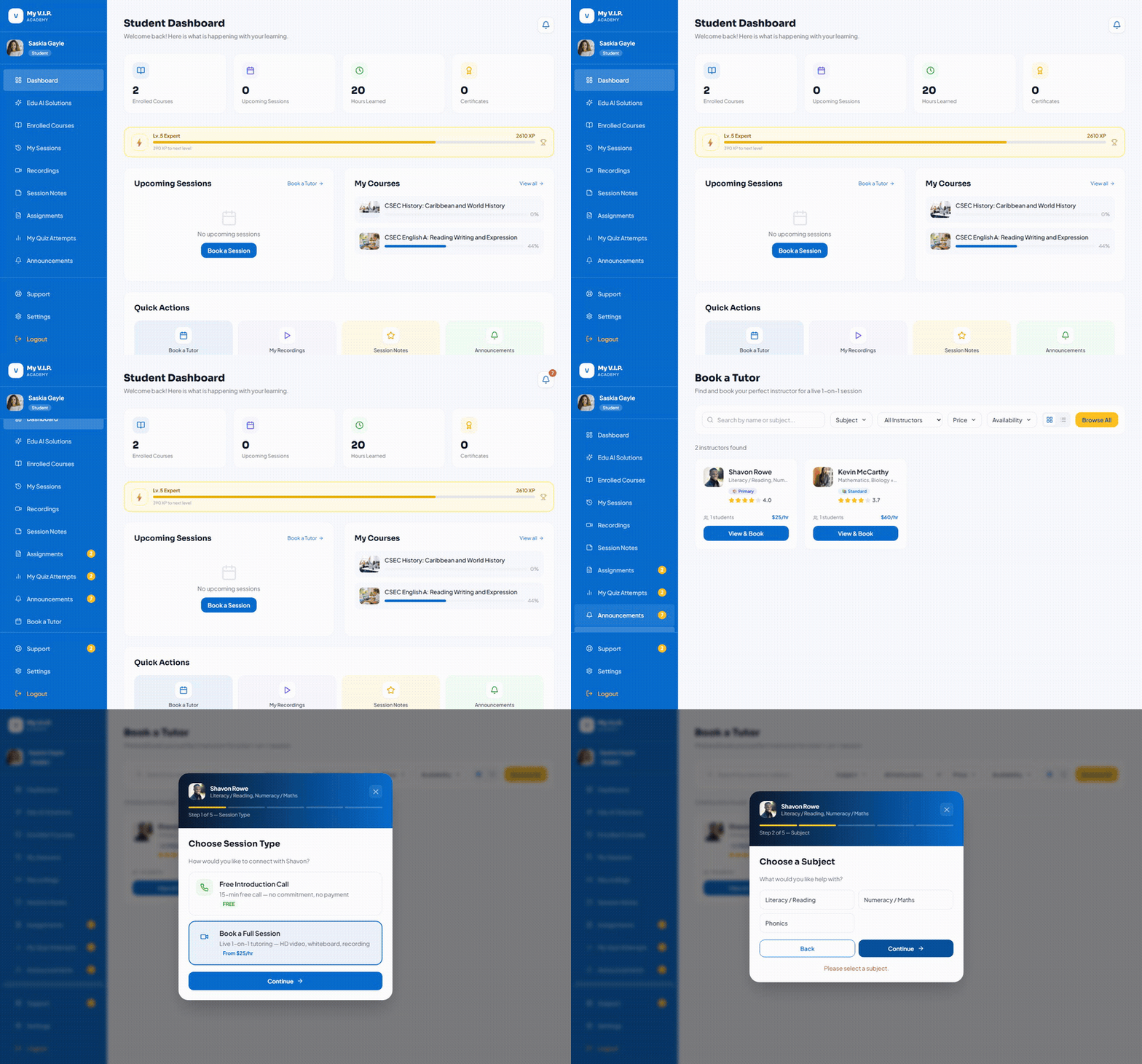 From your dashboard, click Book a Tutor to open the tutor search and start a booking.
Step-by-step Guide
Step 1: Choose a time
On the tutor’s profile, pick an available date and time from their calendar.
Step 2: Review the details
Check the session length and the total price, including any small processing fee. If you have wallet credit, it is applied automatically.
Step 3: Pay securely
You are taken to the secure Dime checkout to enter your card. Your card details never touch the Academy.
Step 4: Get your confirmation
After payment you land on My Sessions and receive a confirmation email. Your session shows a Join button when it is time.
If your payment does not complete, the session stays unconfirmed. You can safely try again from My Sessions.